

PROJECT DRIVEQ DRIVER APP UI DESIGN
The Brief
UI Design Experience
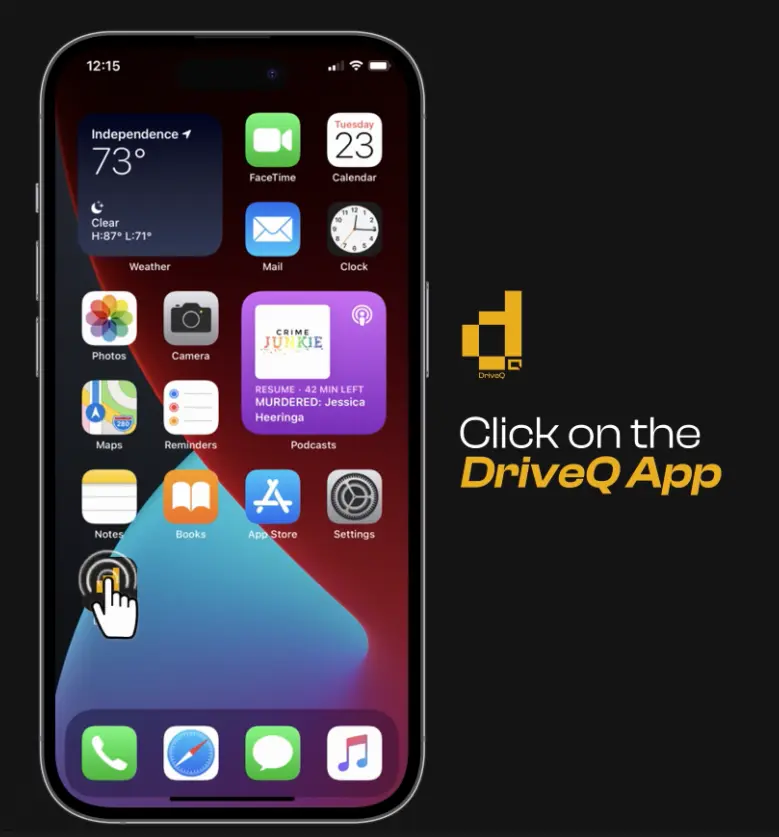
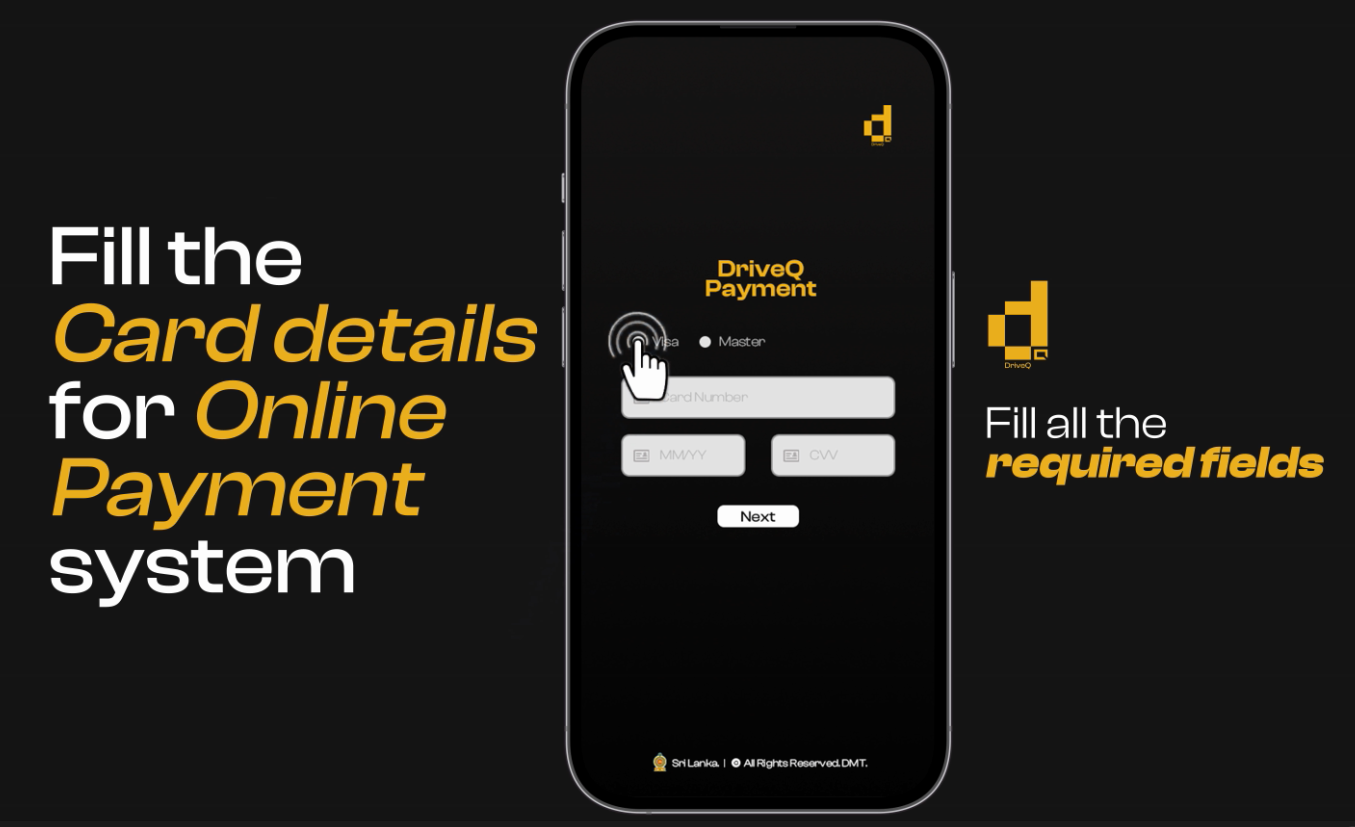
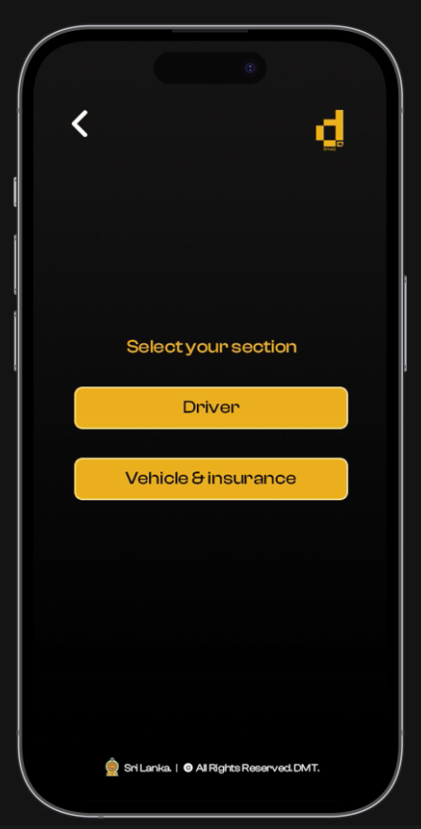
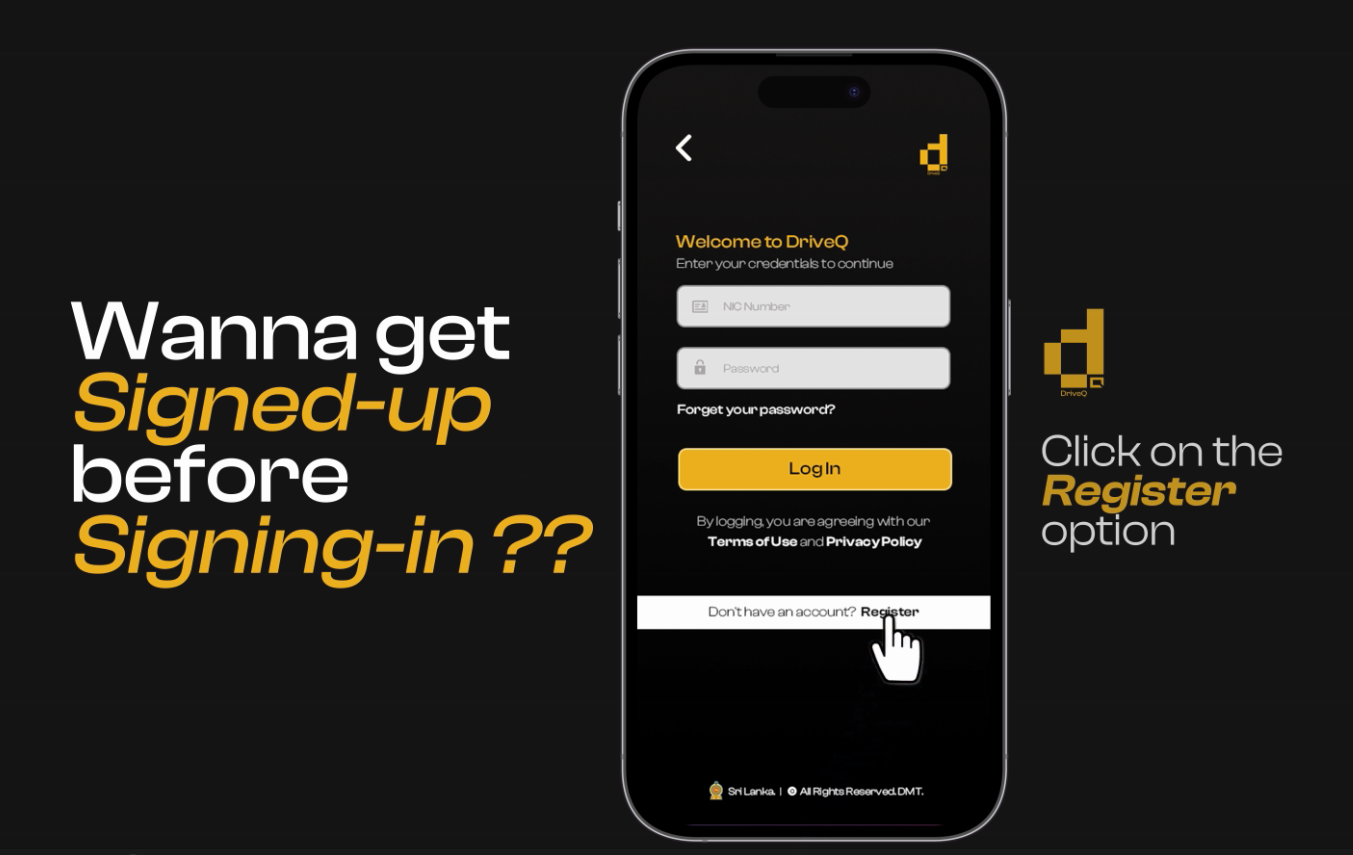
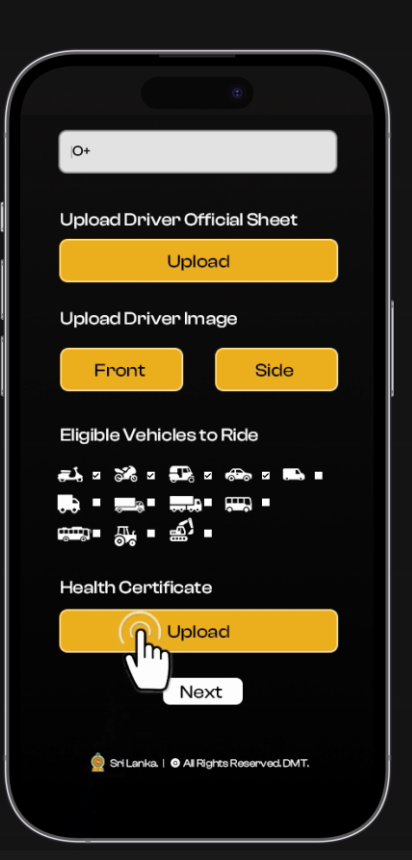
The UI design of the DriveQ Driver App was developed with a focus on simplicity, ensuring drivers can navigate the registration process with ease. The design team emphasized user-friendly features, such as clear labels, intuitive buttons, and visual cues that guide users step by step. The app is designed to be responsive across different devices, providing a consistent experience on both smartphones and tablets. Additionally, accessibility was a priority, with options for voice assistance and high-contrast themes, making the app usable for drivers with varying needs.
Development Timeline
The development timeline for the app followed a structured approach, beginning with user research and wireframing to ensure all key functionalities were addressed. Over the course of eight months, the team moved through the design, development, and testing phases. User feedback during the beta launch played a critical role in refining the app before its official release. Using an agile development process allowed the team to iterate and adapt quickly, ensuring that the app not only met its launch deadline but was also optimized for performance and usability.
Customer Satisfaction
Since the launch of DriveQ, customer satisfaction has been overwhelmingly positive. Users have praised the app for its convenience, highlighting how easy it is to register both their licenses and vehicles in one place. The seamless process, coupled with real-time updates and helpful notifications for renewals, has made the app highly rated among drivers. Additionally, the responsive customer support has been commended, further contributing to the overall positive user experience. Continuous feedback is helping to drive ongoing improvements, ensuring that DriveQ meets the evolving needs of its users.
- Date : 17.07.2023
- Client : DRIVEQ
- Category : UI DESIGN AND BRANDING